
Data Center Explained: Types, Components, Tiers, and How to Plan One That Lasts
What Is a Data Center?
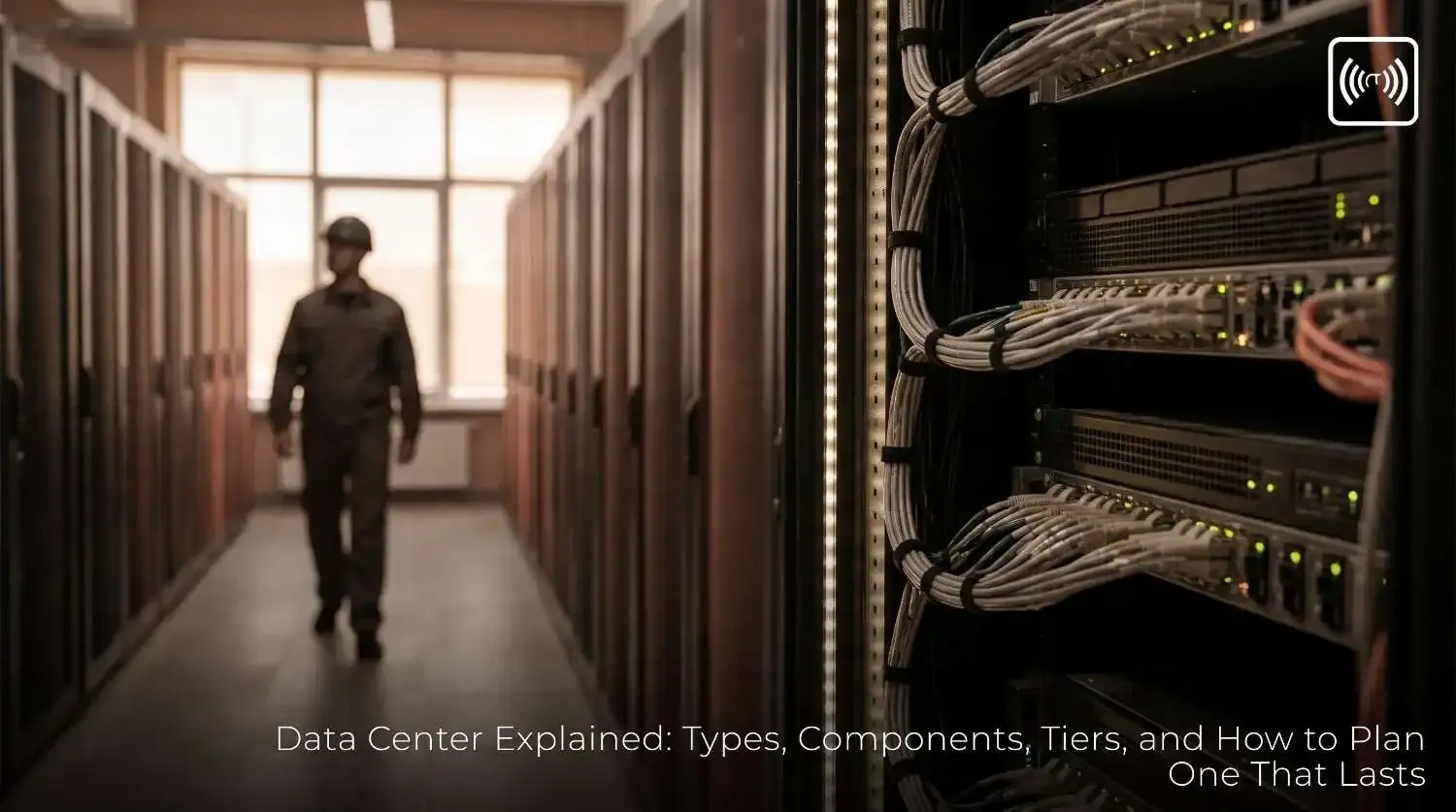
A data center is a dedicated facility built to house computing equipment such as servers, storage arrays, switches, routers, and firewalls. It provides the three things that equipment cannot survive without: reliable power, controlled cooling, and fast, secure network connectivity. Some data centers are large buildings run by cloud providers. Others are a few racks in a room inside a company office. The principles are the same at every scale.
A server room that is only a cupboard with a desktop fan is not a data center. The difference lies in redundancy, environmental control, physical security, and monitoring. Those four qualities determine whether a facility keeps running when something goes wrong.
Core Components of a Data Center
Power Infrastructure
Power is the most critical component. A typical setup includes utility feeds, backup generators, uninterruptible power supplies (UPS), and power distribution units (PDUs) that deliver electricity to each rack. Good designs include redundant paths so that a failure in one circuit does not take down the entire room. Batteries in the UPS carry the load for the minutes it takes generators to start, and that short window is where many small facilities fail.
Cooling Systems
Servers convert almost all their electricity into heat. Without cooling, temperatures climb quickly and hardware throttles or shuts down. Most facilities use computer room air conditioning (CRAC) or computer room air handler (CRAH) units, often arranged in hot-aisle and cold-aisle layouts so that cold air reaches the equipment intakes and hot exhaust is captured efficiently. Larger sites use liquid cooling or rear-door heat exchangers for high-density racks.
Networking
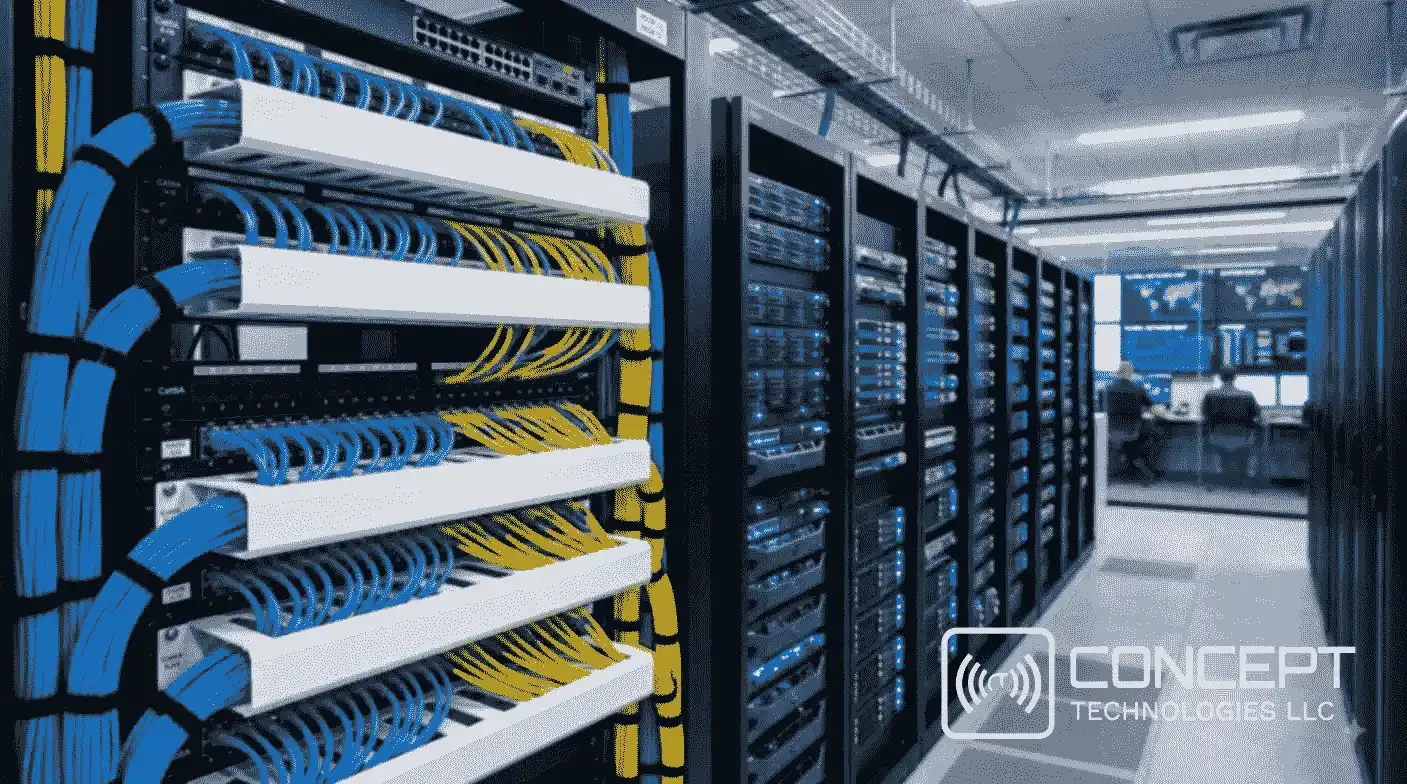
Connectivity is what makes a data center useful. Core and top-of-rack switches link servers together, while routers and firewalls connect the facility to the internet and to other sites. Redundant internet providers, diverse fiber routes, and properly structured cabling prevent a single cut cable from cutting off your business. Cable management also matters more than most people expect. Tangled cabling blocks airflow, slows maintenance, and makes troubleshooting far harder.
Physical and Digital Security
A data center holds some of an organization's most valuable assets, so access control is essential. This typically includes badge or biometric entry, mantraps, CCTV coverage, visitor logs, and locked racks. Fire suppression systems that use gas agents rather than water protect equipment from damage, and water leak detection under raised floors or near cooling units gives early warning before a small problem becomes an outage.
Monitoring and Management
Modern facilities rely on a data center infrastructure management (DCIM) system or a building management system (BMS) to track temperature, humidity, power draw, and equipment health in real time. Early alerts give technicians time to act. Without monitoring, most failures are discovered only after users report them.
Types of Data Centers
Enterprise data centers are owned and operated by a single organization, usually in its own building or campus. The company controls every detail but also carries the full cost of power, cooling, staffing, and upgrades.
Colocation data centers rent space, power, cooling, and connectivity to multiple customers. You supply your own servers and equipment, while the provider handles the building infrastructure. Colocation is popular with businesses that want professional-grade facilities without building one.
Hyperscale data centers are very large facilities run by major cloud and internet companies. They contain thousands of servers and are designed for automation and rapid expansion.
Edge data centers are smaller facilities placed close to users or devices to reduce latency. They support applications such as video analytics, industrial monitoring, and retail systems where delays of even a few milliseconds matter.
Most mid-sized businesses use a mix. They might keep core systems on-premises, use colocation for disaster recovery, and run customer-facing applications in the cloud.
Data Center Tiers and Uptime
The Uptime Institute classifies data centers into four tiers based on redundancy and fault tolerance. Higher tiers cost more to build and operate, but they allow longer maintenance windows and better protection against failures.
Tier I and Tier II
Tier I facilities have a single path for power and cooling with no redundancy. They offer roughly 99.67 percent annual availability, which allows about 28 hours of downtime per year. Tier II adds some redundant components, such as spare UPS modules or generators, and reaches about 99.74 percent availability.
Tier III and Tier IV
Tier III facilities have multiple paths for power and cooling, so most maintenance can happen without shutting down IT systems. They target about 99.98 percent availability, roughly 1.6 hours of downtime per year. Tier IV facilities are fault-tolerant, meaning a single equipment failure does not affect operations. They target about 99.995 percent availability, or around 26 minutes per year.
For most businesses, the right tier depends on the cost of an outage. A retailer losing thousands of dollars per hour needs a very different level of protection than a small office storing archived files.
Key Metric: Power Usage Effectiveness (PUE)
Power usage effectiveness measures how efficiently a facility uses energy. It is calculated by dividing the total power consumed by the facility by the power consumed by the IT equipment alone. A PUE of 1.0 would mean every watt goes to computing, which is not achievable in practice. Recent industry surveys have put averages around 1.5 to 1.6, while efficient facilities aim for 1.2 or lower. When comparing colocation providers, asking for their PUE is a practical way to understand both operating costs and sustainability claims.
Common Mistakes When Planning a Data Center
The first mistake is undersizing power and cooling for future growth. Adding racks later is expensive if the electrical capacity was never planned for it. The second is ignoring single points of failure, such as one internet line, one UPS, or one cooling unit. The third is neglecting airflow management. Mixing hot and cold air is one of the most common reasons equipment runs hotter than it should.
Other frequent errors include skipping documentation, which makes troubleshooting slow when staff change; failing to test backup generators and failover systems under load; and treating security as an afterthought. A well-planned facility addresses all of these from the start, not after the first outage.
Why Data Center Planning Matters for Local Businesses
Across Kerala, Mangalore, and the wider Gulf region, many growing businesses are moving from scattered servers and single internet connections to more structured infrastructure. Retail chains need reliable point-of-sale systems. Schools and clinics need secure access and surveillance. Manufacturers need networks that keep machines communicating. In each case, the data center decision affects customer experience, compliance, and the ability to scale.
You do not need a hyperscale facility to benefit from data center thinking. Structured cabling, a properly sized server room, redundant connectivity, and a monitored environment can deliver most of the same protection at a scale that fits a small or mid-sized business.
How Concept Group Can Help
Concept Group works with businesses on the infrastructure that surrounds a data center, including structured networking, fiber connectivity, CCTV and access control systems, and secure network design. Whether you are building a server room, upgrading an office network, or planning surveillance storage that must run reliably for years, a short consultation can help you identify gaps before they turn into downtime.
To discuss your requirements, reach out to our sales team through WhatsApp or the contact form on our website. We will review your current setup, explain the options in plain terms, and suggest a practical next step.
Frequently Asked Questions
Is a data center the same as a server room?
Not exactly. A server room is usually a space inside a building. A data center is designed around redundancy, cooling, power protection, security, and monitoring, and it is built to support those requirements consistently over time.
Do small businesses need a data center?
Most small businesses do not need a dedicated facility, but they do need reliable infrastructure. A properly built server room or a colocation arrangement can provide much of the protection without the cost of owning a building.
How do I choose the right data center tier?
Start with the cost of downtime for your business, then compare that cost with the price difference between tiers. Tier III is a common choice for organizations that need strong availability without the full expense of Tier IV.
What questions should I ask a colocation provider?
Ask about their uptime tier, redundancy for power and cooling, PUE, physical security measures, fire suppression type, connectivity options, and how they handle maintenance and incident response.
A data center is more than a room full of servers. It is a system of power, cooling, networking, security, and monitoring that works together to keep your business running. Plan it well, and you protect your data, your customers, and your reputation. Start with an honest look at what downtime would cost you, then build your infrastructure around that answer.
Related Posts


Latest Projects


Recent Posts