
Data Center Guide: Design, Security and Uptime Explained
What Is a Data Center? A Practical Guide for Modern Businesses
A data center is a dedicated facility that houses the computing, storage and networking equipment an organization uses to run its applications, store its records and connect with customers. It may be a large building operated by a cloud provider, a rented space in a colocation facility, or a small room on the ground floor of an office. Whatever its size, a data center exists for one purpose: to keep systems powered, cooled, connected and secure so that business keeps running.
For many companies in Kerala, Mangalore and across the Gulf, the data center is no longer a distant concept. Retail chains run point-of-sale systems that cannot go offline during peak hours. Hospitals depend on electronic records. Logistics firms track fleets in real time. Schools store student data and operate CCTV across campuses. Each of these operations depends on infrastructure that most staff never see, and each becomes vulnerable when that infrastructure is poorly designed or poorly maintained.
This guide explains the core parts of a data center, how uptime is classified, what physical security should look like, and what to consider when planning a facility in a hot, humid or dusty climate. It is written for business owners, IT managers and facility planners who need to make informed decisions, whether they are building a new server room or reviewing an existing one.
The Core Components of a Data Center
Every data center, from a single rack to a hyperscale campus, depends on the same basic systems. Understanding them makes it easier to spot weak points.
Servers, Storage and Networking
The computing layer includes servers that run applications and databases, storage arrays that hold data, and network equipment such as switches, routers and firewalls that connect everything together. Good planning separates these functions clearly, with redundant network paths so that a single failed switch does not isolate an entire department.
Racks and Structured Cabling
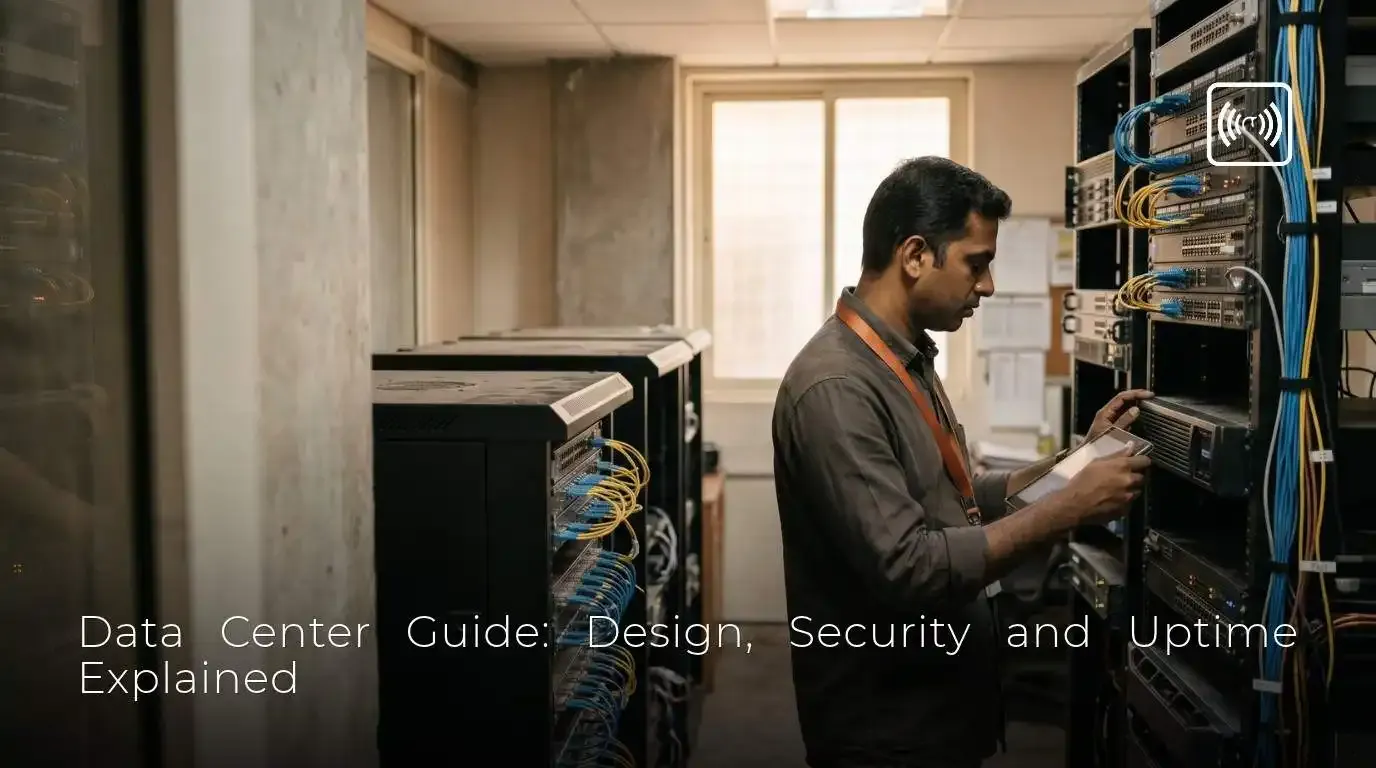
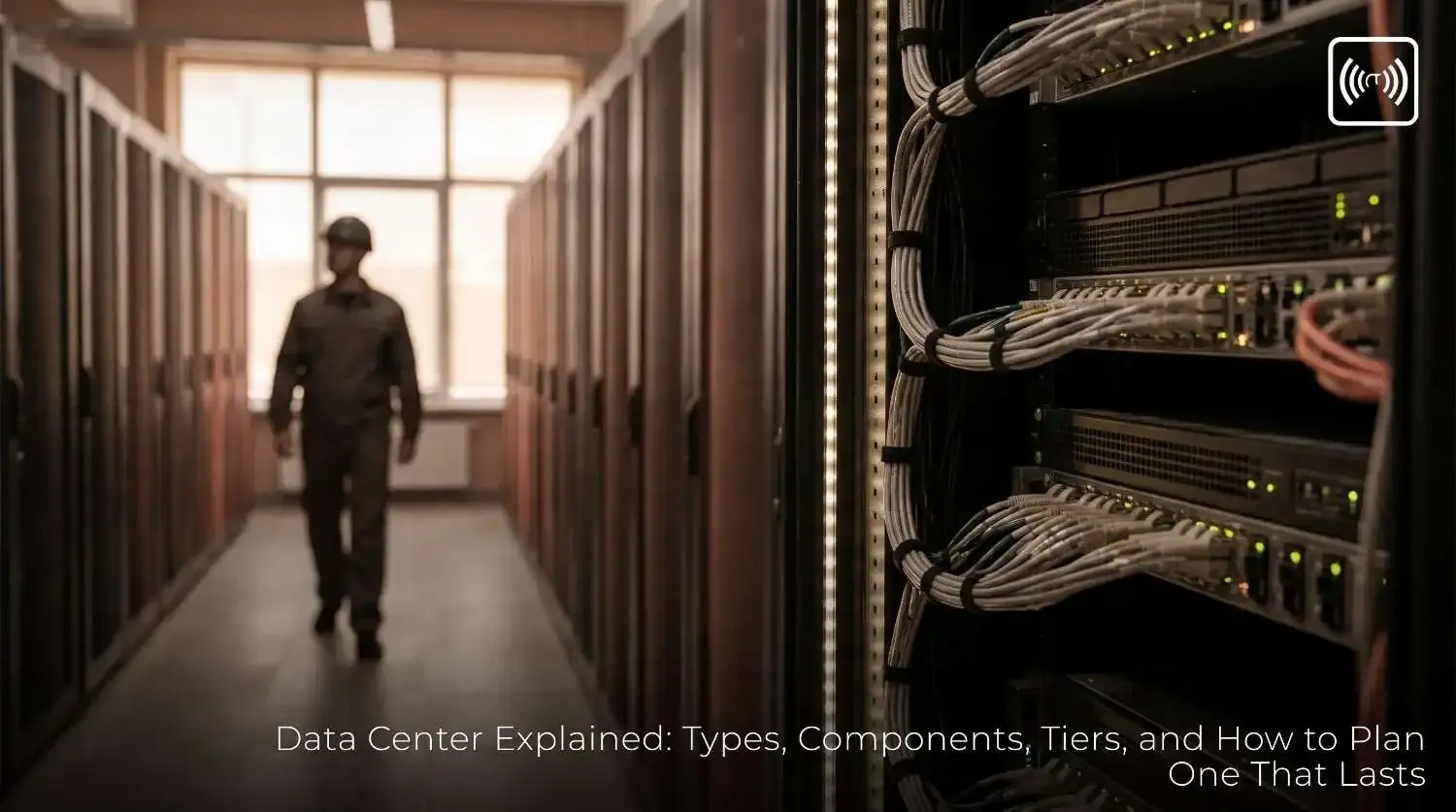
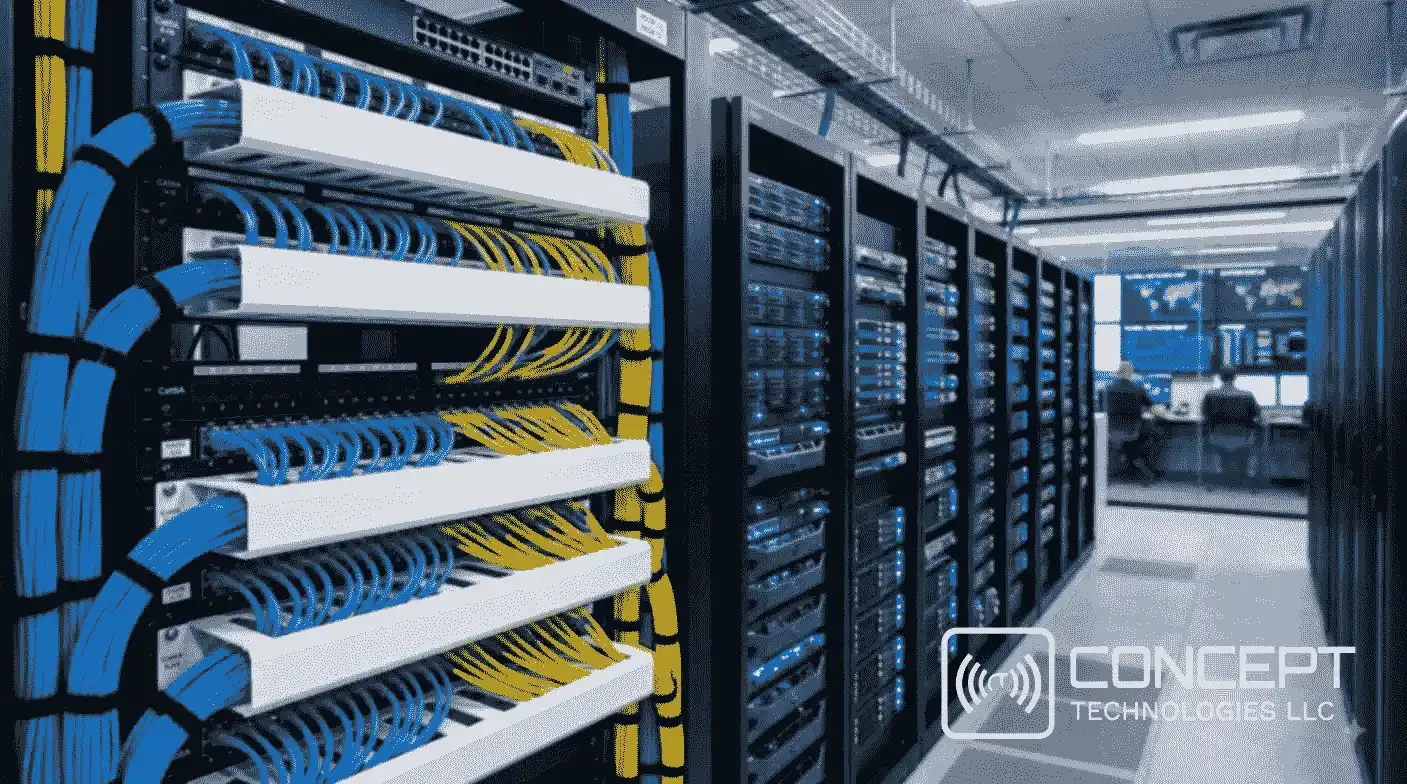
Equipment is mounted in standard racks, usually 42U in height, and organized into rows with hot and cold aisles. Structured cabling connects these racks using copper patch cables and fiber optic links, laid out in a predictable pattern and labeled at both ends. Poor cabling is one of the most common causes of hidden downtime. A tangled rack makes troubleshooting slow, blocks airflow and increases the risk of accidental disconnection during maintenance.
Power Systems
Power is the foundation of everything else. A typical facility includes utility feeds, backup generators, automatic transfer switches, uninterruptible power supplies (UPS) and power distribution units (PDUs) in each rack. The UPS bridges the gap between a power failure and the moment generators take over, so the UPS must be sized correctly and tested regularly. Dual power feeds, with each server connected to two independent power paths, are a standard way to eliminate single points of failure.
Cooling and Airflow
Servers convert nearly all their electrical input into heat, so cooling is not optional. Most facilities use computer room air conditioning (CRAC) or computer room air handling (CRAH) units, combined with hot aisle and cold aisle containment. In containment, cold air is supplied to the front of the racks and hot exhaust air is captured at the back and returned to the cooling units. This approach prevents hot and cold air from mixing, which wastes energy and creates hot spots that shorten equipment life.
Fire Detection and Suppression
Fire in a data center is destructive, and water-based sprinklers can cause as much damage to electronics as the fire itself. For this reason, many facilities use early smoke detection, which samples air continuously and detects particles before flames appear, combined with clean agent suppression systems that extinguish fire without leaving residue. Fire systems should be designed with the local fire code and inspected on a fixed schedule.
Understanding Data Center Tiers and Uptime
When organizations compare data center options, they often encounter the Uptime Institute's Tier classification. It is the most widely referenced framework for judging how much downtime a facility is designed to tolerate. The four tiers describe increasing levels of redundancy and availability.
| Tier | Design Concept | Approximate Availability | Maximum Annual Downtime (approx.) |
|---|---|---|---|
| Tier I | Basic capacity, no redundancy | 99.671% | About 28.8 hours |
| Tier II | Redundant capacity components | 99.741% | About 22.7 hours |
| Tier III | Concurrently maintainable | 99.982% | About 1.6 hours |
| Tier IV | Fault tolerant | 99.995% | About 26 minutes |
A Tier I facility has a single path for power and cooling with no redundancy, so any planned maintenance requires a shutdown. A Tier III facility is concurrently maintainable, meaning any component can be serviced or replaced without interrupting IT operations. A Tier IV facility goes further and can continue operating through a single fault at any point in the infrastructure.
The right tier depends on the business. A small firm running internal file sharing and accounting software may find that a well-built server room meets its needs. A company processing payments or running patient systems needs a higher level of availability, because each hour of downtime carries direct financial and reputational cost. Choosing a higher tier than necessary adds cost, so the decision should start with a clear estimate of what an outage would actually cost.
Physical Security: Protecting the Facility and Its Data
A data center is only as secure as its weakest entry point. Physical security is the first line of defense against theft, sabotage, unauthorized access and accidental damage, and it works alongside cybersecurity rather than replacing it.
Perimeter and Building Access
Good physical security begins at the boundary. Perimeter fencing, controlled vehicle access, well-lit approaches and CCTV coverage of entry points deter intruders and provide a record of who approached the site and when. Building access should follow the principle of layered control, where each zone inside the facility requires stronger authentication than the one before it.
Access Control Systems
Access control typically combines card readers, PIN pads and biometric devices such as fingerprint or iris scanners. Mantraps, which are small interlocking chambers that admit one person at a time, prevent tailgating, where an unauthorized person follows an authorized one through a door. Visitor logs, escort requirements and time-limited access badges should be standard. Every access event should be logged and reviewed, because a log that nobody reads offers little protection.
CCTV Surveillance
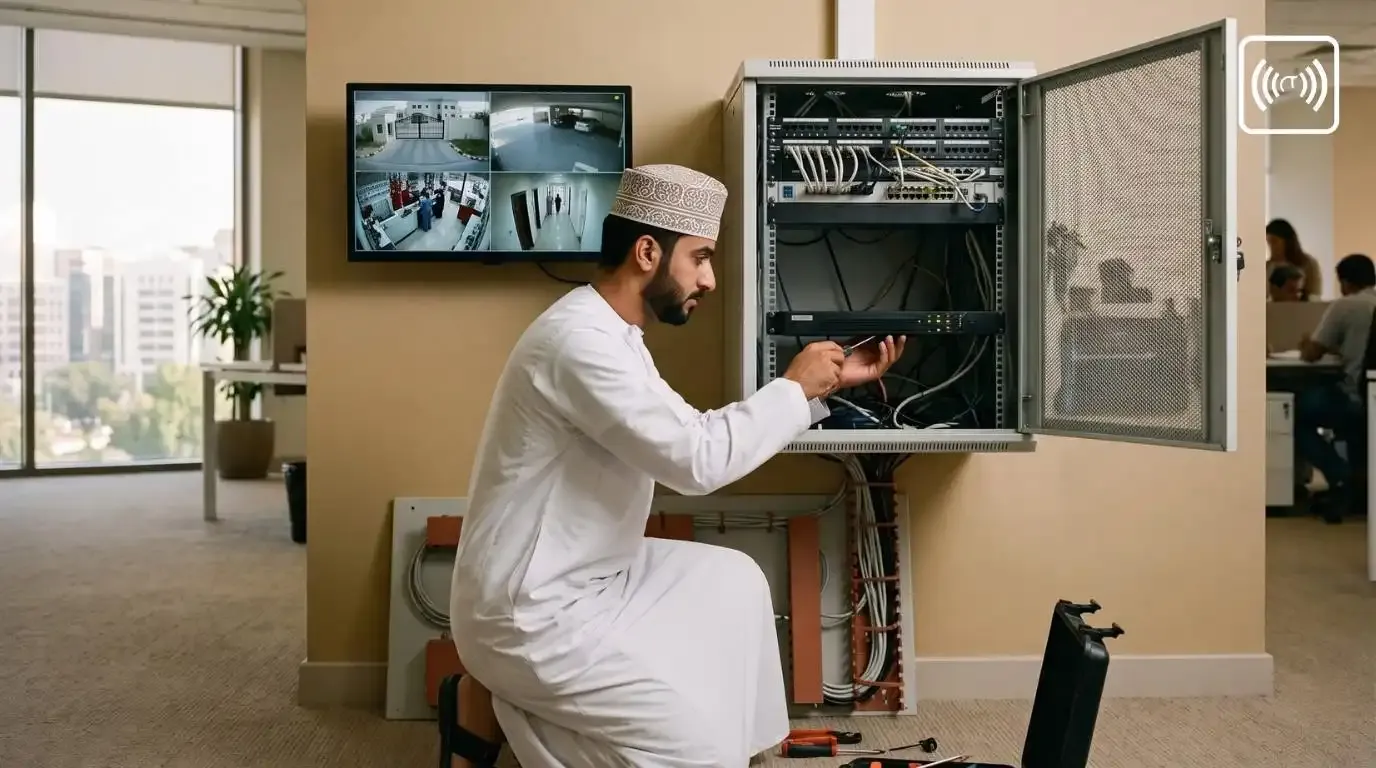
CCTV is essential in any data center, and the design should be planned rather than added as an afterthought. Cameras should cover every entry and exit, every aisle of racks, loading areas, and the generator and UPS rooms. Modern IP cameras with good low-light performance and wide dynamic range handle the mixed lighting common in server halls. Recording should be stored on a network video recorder (NVR) with enough capacity for the required retention period, and recordings should be backed up to a location separate from the facility itself. Analytics such as motion detection, line crossing and intrusion alerts can notify staff in real time, but they must be tuned to avoid constant false alarms.
Environmental and Operational Security
Physical security also includes monitoring the environment. Temperature, humidity, water leakage, smoke and power quality sensors should feed into a central monitoring platform that alerts staff before a small problem becomes a major outage. Rack-level locks prevent unauthorized access to individual servers, and asset tracking records which equipment is installed where. Disposal procedures for old drives must be strict, because a discarded hard disk can expose more data than a stolen laptop.
Energy Efficiency and PUE
Power Usage Effectiveness (PUE) is the standard measure of data center energy efficiency. It is calculated by dividing the total energy consumed by the facility by the energy consumed by the IT equipment alone. A PUE of 1.0 would mean that every unit of energy goes directly to computing, which is not achievable in practice. Industry surveys in recent years have reported average PUE figures around 1.5 to 1.6, while well-designed facilities with efficient cooling and good airflow management can reach 1.2 or lower.
Lower PUE means lower electricity bills and a smaller environmental footprint. The most effective improvements are usually simple: sealing gaps in raised floors and cable openings, using containment to stop hot and cold air from mixing, raising cold aisle temperatures within the range recommended by the equipment manufacturer, and replacing aging cooling units with more efficient models. Variable speed fans and drives allow cooling output to follow actual demand instead of running at full capacity all the time.
Designing for Hot and Dusty Climates
Facilities in the Gulf region and in parts of South India face conditions that differ from temperate climates. Outside air temperatures can exceed 45 degrees Celsius in summer, and dust, salt and humidity can all affect equipment. These conditions shape design decisions in several ways.
Cooling capacity must be sized for peak summer conditions, not average temperatures. Outdoor condensing units need clearance for airflow and protection from direct sun, and their placement should avoid recirculating hot exhaust. Air filtration must be robust, with filters changed on a schedule matched to local dust levels rather than a generic calendar. Positive pressure within the server hall helps keep unfiltered air out, and door seals should be inspected regularly. Where humidity is high, condensation control and proper drainage matter as much as dehumidification. Power systems also need attention, since generators and batteries lose capacity at high temperatures and must be derated accordingly.
Server Rooms vs. Full Data Centers: Choosing the Right Scale
Not every organization needs a purpose-built facility. A server room is a dedicated room within an existing building, typically housing a handful of racks. It can be secure and reliable if it is designed properly, with its own cooling, a UPS, a generator connection where needed, controlled access and fire detection. Many small and medium businesses run very effective operations from a well-designed server room.
A full data center, whether owned or colocated, makes sense when the scale of IT demands dedicated power, cooling and security infrastructure, or when the business requires a higher tier of availability than an office building can provide. Colocation is a middle path. The company owns its servers but rents space, power and cooling in a shared facility operated by a specialist provider. This reduces capital expense and gives access to tier-level infrastructure without the cost of building it.
A useful way to decide is to ask three questions. How much would one hour of downtime cost? How fast is the IT load expected to grow over the next three years? And who will operate and maintain the facility day to day? The answers usually point clearly toward one option.
A Planning Checklist for Your Next Data Center Project
Whether you are upgrading a server room or commissioning a new facility, the planning process benefits from a structured approach. Start with a load assessment that documents current power and cooling demand, plus projected growth. Plan power capacity with headroom, because adding circuits later is far more disruptive than building them in from the beginning. Design network paths with redundancy, and document every connection. Specify cable management and labeling standards before the first rack is installed. Integrate CCTV, access control and environmental monitoring into a single platform where possible, so that alarms and records are easy to correlate. Test backup power under load on a regular schedule, not only during commissioning. Write down maintenance procedures and keep a log of every service visit. Finally, plan for the lifecycle of the equipment, because servers, UPS batteries and cooling units all have finite lives.
Why Local Expertise Matters
Data center projects succeed or fail in the details: a cable run that blocks airflow, a camera that cannot see a critical aisle, a UPS that was sized for today's load rather than next year's. Local integrators who understand both the technology and the climate and regulatory environment of the region can prevent these problems before they happen. Aitsun Technologies, the security systems and networking brand serving Kasaragod and Mangalore, works with businesses on CCTV design, networking, fiber optic infrastructure, telephone and EPBX systems, and access control. Through its partner network in the Gulf, Concept Group supports projects in Oman, where the same principles of redundancy, security and energy efficiency apply.
A good integrator will begin with a site survey, ask about the business impact of downtime, and propose options at more than one budget level. They will document what they install, train your staff to operate it, and offer maintenance so that the facility remains reliable after handover.
Frequently Asked Questions About Data Centers
What is the difference between a data center and a server room?
A server room is a dedicated space inside an existing building, usually smaller and with simpler infrastructure. A data center is a purpose-built facility with dedicated power, cooling, security and redundancy designed for larger or more critical workloads.
How much uptime does my business need?
The answer depends on the cost of downtime. Start by estimating the financial and operational impact of one hour without systems, then match the required availability to a Tier level that makes economic sense.
Is a data center only for large companies?
No. Small and medium businesses can run reliable infrastructure in a well-designed server room, and colocation makes higher-tier facilities accessible without large capital investment.
What is the most common cause of data center outages?
Power and cooling problems account for a large share of outages, followed by human error during maintenance and network misconfiguration. Regular testing, documented procedures and redundancy reduce all three risks.
Ready to Plan Your Data Center or Server Room?
If you are reviewing an existing server room or planning a new facility in Kerala, Mangalore or Oman, the team at Aitsun Technologies and Concept Technologies can help you assess your needs and design an infrastructure that fits your budget and your uptime requirements. Contact us through the enquiry form on our website or message our sales team on WhatsApp to arrange a site survey and a no-obligation consultation.
Related Posts


Latest Projects